
Zapier’s free plan caps you at 100 tasks a month, just two steps per workflow. Fine, right up until you try automating something that actually matters. Say a form gets filled out, and you want it to update a spreadsheet, ping Slack, and send a follow-up email. That’s three steps already. Zapier alternatives free tier just won’t do it.
Good news though $20 a month isn’t the only way past that wall. A handful of tools do what Zapier does, sometimes better, and won’t charge you a cent until you’re moving real volume. Here’s what’s worth your time.
Why People Search for Zapier Alternatives Free in 2026
Zapier earned its name fair and square. Easiest tool to pick up, huge app library. But the price climbs fast. Cross a few hundred tasks a month, or need multi-step “Zaps” with branching logic, and suddenly you’re paying $30, $50, sometimes over $100 a month.
For a solo founder or a small team just automating boring day-to-day stuff, that’s serious money for something that should be cheap, or free. Not sure what to automate first? Our guide to everyday AI automation is a decent place to poke around. The tools below close that gap.

n8n: Best Free Pick, As Long As You’re Okay Self-Hosting
What It Does Well
n8n’s open-source that’s pretty much the whole pitch. Host it yourself on a cheap server, and you get unlimited workflows, unlimited tasks, no monthly cap, period. The builder looks a lot like Zapier’s: drag nodes, connect them, set rules.
The Catch
Self-hosting means you’re the one keeping the lights on. Servers and Docker sound intimidating? n8n’s got a cloud version with a free tier too, though that one still has task limits, same as everything else.
Best For
Technical founders, agencies running client automations, or anyone willing to burn an afternoon on setup to never pay a monthly bill.
Make (formerly Integromat): More Power, Bigger Learning Curve
What It Does Well
Make’s free plan hands you 1,000 operations a month. Way more breathing room than Zapier’s measly 100. The builder lays your whole automation out as a flowchart, which honestly makes messy, branching setups easier to build than Zapier’s straighter layout.
The Catch
That power costs you in learning time. Make uses “modules” and “scenarios” where Zapier says “apps” and “zaps,” so it takes a beat longer to click for total beginners.
Best For
Anyone who’s outgrown basic if-this-then-that automations and wants real branching, free.
Pabbly Connect: Pay Once, Walk Away
What It Does Well
Pabbly skips the subscription game entirely. Pay once, use it forever no monthly task limit eating your budget every cycle. Free plan gets you 100 tasks a month, and the paid version’s a flat yearly fee instead of a recurring charge.
The Catch
It’s not built for business. The logic is shallow, branching is basically nonexistent, and if you’re used to Zapier or Make, the integrations will feel like a step backward.
Best For
Small businesses are tired of subscription creep, especially ones running mostly standard tools.
IFTTT: Built for Home Stuff, Not Business
What It Does Well
IFTTT If This Then That is the simplest thing on this list, no contest. Built for personal use: lights flicking on when you walk in, Instagram posts auto-saving to a spreadsheet, that sort of thing. The free plan covers basic one-step jobs.
The Catch
It’s just not built for business. No multi-step logic, no real branching, and the business-side integrations feel thin next to Zapier or Make.
Best For
Personal automations, smart home setups. Not client work, not real business processes.
Activepieces: Open-Source, Aimed at Teams
What It Does Well
Newer open-source player, going straight after Zapier’s crowd. Feels closer to Zapier than n8n does, which helps if you’ve used Zapier before and want something familiar. Self-hosted, it’s free, no task caps.
The Catch
Being new means the app library’s still filling in. Common tools are there, but you’ll hit gaps faster than with the bigger, older platforms.
Best For
Teams wanting Zapier’s feel minus Zapier’s bill, fine with a smaller (but growing) app list.
Google Apps Script: Free Forever, If You’ll Write a Little Code
What It Does Well
Not really a no-code tool, technically, but worth a mention anyway. Automation living entirely inside Google Sheets, Gmail, or Calendar? Apps Script lets you write simple JavaScript that runs on schedule or trigger, completely free, no outside platform needed.
The Catch
You’ll write some code. Even basic code. No drag-and-drop here. But if you’re fine copying and tweaking a script, it cuts the middleman out entirely.
Best For
Anyone automating mostly inside Google Workspace, willing to learn 20 lines of JavaScript instead of paying monthly.
Microsoft Power Automate: Probably Already Sitting There
What It Does Well
Already on Microsoft 365? Power Automate’s often just… included. No extra charge. Connects Outlook, Excel, Teams, SharePoint natively, and handles more business logic than you’d expect, for free.
The Catch
Step outside Microsoft’s world and it’s a weaker fit. Connects to other tools fine, just not where it shines.
Best For
Businesses already paying for Microsoft 365 who didn’t realize they’re sitting on a free automation tool.
So Which One Do You Actually Pick?
The wrong first question is “which tool should I use?” Figure out what you’re automating first. The tool almost picks itself.
Fine with some technical setup, want zero ongoing cost? n8n or Activepieces, self-hosted. Need real branching without writing code? Make. Sick of subscriptions for good? Pabbly Connect. Living mostly in Google Sheets or Gmail? Skip the platform, write a quick Apps Script. Already paying for Microsoft 365? Check Power Automate first.
Most of these have free tiers. Pick something you actually do every week, automate it, and see if the tool earns its keep before you pay for anything. Beats any feature chart for figuring out what fits. More free automation guides live over at AI Automation NYC.
Frequently Asked Questions
What’s the best free Zapier alternative?
Make (formerly Integromat). Free tier gives you 1,000 operations/month, multi-step workflows, and actual branching logic stuff Zapier locks behind a paywall. Steeper to learn, but you stop hitting walls a lot sooner.
Zapier vs. What’s the real difference?
Zapier’s friendlier for beginners, simpler and more linear. Make handles complex, branching workflows better and gives way more free operations a month, but takes longer to learn.
Can I switch off Zapier without losing my current setups?
Not automatically. Every platform builds workflows its own way, so you’ll rebuild them in the new tool. Most people start with whichever Zap’s costing them the most or running the most.
Is n8n annoying to set up?
Self-hosting takes a bit of comfort with basic server stuff usually under an hour following a guide. The cloud version skips that, but it’s not fully free past a certain point.
Do these actually work for business, or just personal projects?
Most here, aside from IFTTT, are built for business use. n8n, Make, Pabbly Connect, Activepieces, and Power Automate all handle real business processes, not just hobby stuff.
Related Posts

AI Appointment Scheduling: A Guide for NYC Businesses
A dentist in Astoria kept losing three or four bookings a day and couldn't figure out why for months. It turned out to be rather embarrassing how easy it really was. While she was busy…
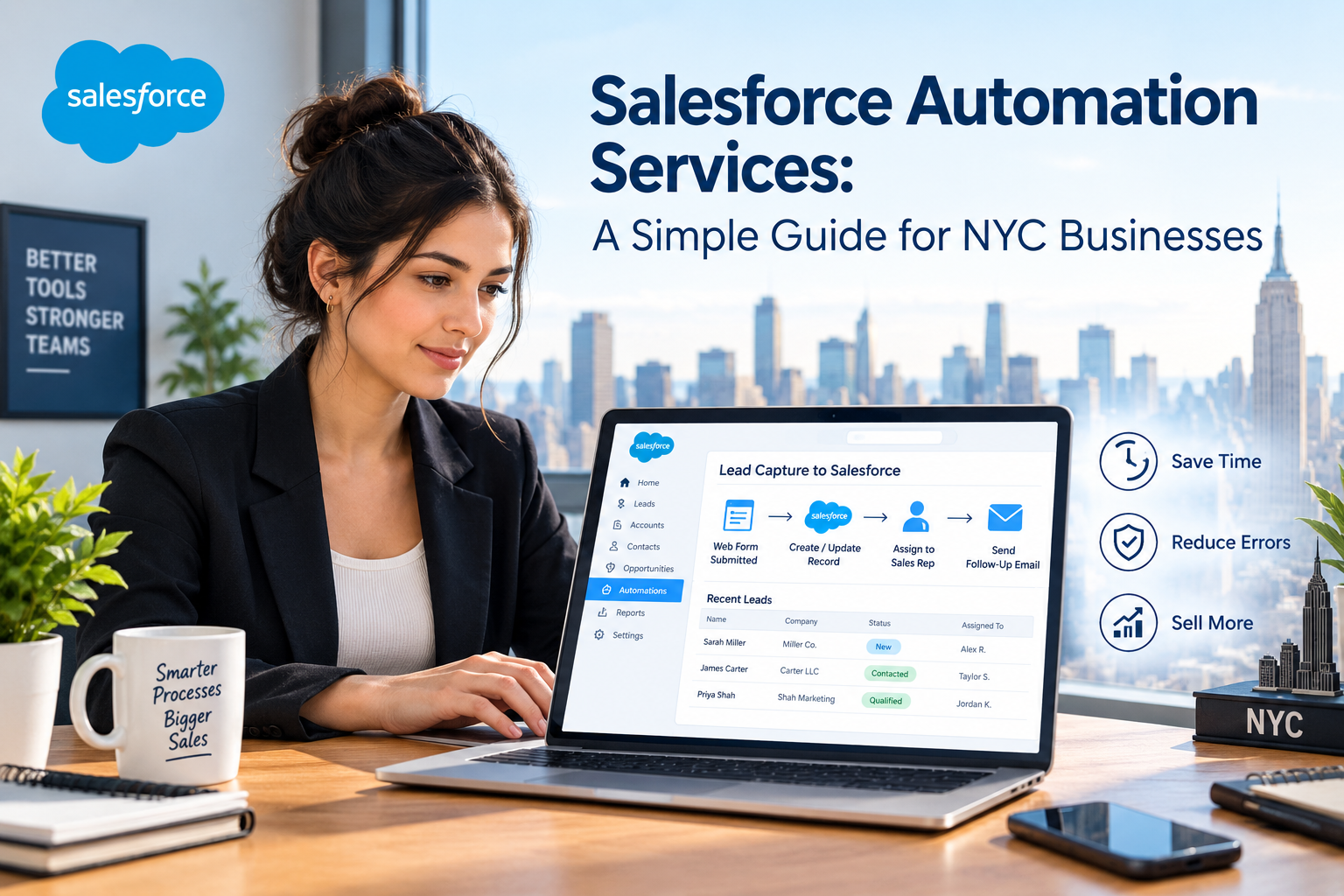
Salesforce Automation Services: A Simple Guide for NYC Businesses
A sales rep at a small ad agency in Chelsea used to lose every Friday afternoon to the same job. She'd copy lead info out of her inbox and into Salesforce, one lead at a…

Invoice Automation Solutions That Actually Save You Time
Picture a small marketing agency with five clients and one bookkeeper.Every Friday, she manually opens up twelve invoices. She verifies the figures and enters them into a spreadsheet before emailing them individually. As of 6…