Most businesses don’t have an AI problem. They signed up for the tools ChatGPT, Jasper, Zapier, whatever looked good and those tools work fine. But they’re still sitting in different tabs. Nothing talks to anything. The team is still copying, pasting, and doing the connecting themselves.
That’s the problem AI integration services actually fix. Not the tools. The gap between them.
What AI Integration Services Actually Do
Picking up a new AI tool is easy. You can have a ChatGPT account, a Jasper trial, and a Zapier subscription all running before lunch. But that’s not integration. Real integration happens when those tools stop living in different browser tabs and start working inside the systems your business runs on.
That’s how AI integration services handle the connection layer. Do you want AI writing responses, sorting data, routing requests, drafting content? They wire that into whatever your team already uses. The CRM. The inbox. The scheduling tool. The workflow nobody wants to touch by hand anymore.
What This Looks Like in Practice
Here’s what it looks like for regular businesses:
An AI writes follow-up emails the second a new lead hits your CRM nobody opens a separate app. Support messages get read and sorted before a human sees them. Form submissions from your website land straight in your tracking sheet. Add a topic to your content calendar and a draft shows up in a shared Google Doc, ready to edit.
None of that needs a big budget. It does need someone who can connect those pieces without everything falling apart every time one app pushes an update.
The Difference Between AI Tools and AI Integration
This is where a lot of businesses quietly lose money. They buy tools. The tools work. But the team still ends up connecting them by hand copying, pasting, updating, forwarding. That manual work was supposed to go away. It didn’t. It just moved.
Tools Without Integration
Say your team signs up for an AI writing tool to go faster. The writer still has to open it, type the prompt, copy the output, drop it into the CMS, clean up the formatting. Maybe they saved twenty minutes writing. They spent fifteen minutes moving it where it needed to go. That’s not a workflow fix, it’s a shuffle.
Tools With Integration
Same team, different setup. Someone adds a topic to the content calendar. An AI draft shows up in a shared Google Doc, already formatted, with a status label. The writer opens it, edits it, and publishes. Done.
Same tools. The AI didn’t get smarter. The boring work between steps just stopped being anyone’s job.
When Do You Actually Need an AI Integration Service?
Plenty of integrations you can handle yourself. A basic Zapier connection between two apps, a Make workflow that moves data on a schedule, a saved prompt template in a tool your team already uses if your stack is simple and you’re comfortable in no-code tools, you can get real results without outside help.
Here’s when it makes sense to bring someone in:
Your Systems Are More Complex Than a No-Code Tool Handles
Custom CRM. Old database. Industry-specific platform. Getting AI to actually work inside those environments takes real engineering not clicking through a template.
The Automation Keeps Breaking
This one comes up all the time. Something gets built, runs fine for a week, then starts going sideways, wrong messages going out, records showing up twice, steps getting skipped. Patching a broken automation again and again costs more time than just building it properly from the start.
You Want AI Talking to Your Customers
If AI is writing to clients, handling tickets, or generating quotes, anything customers actually see there’s no room to wing it. You need guardrails, error handling, and real testing before any of that touches a real customer.
You Have No Idea Where to Start
Honestly, this is the most common one. The problem isn’t always technical. It’s figuring out which workflow is worth fixing, which AI tool actually fits, and what “realistic” even looks like. One real conversation with someone who knows this stuff is usually worth more than buying three more tools.
What Good AI Integration Services Look Like for Small Businesses
Enterprise integration means big teams, long timelines, and formal processes. For a 10-person shop in Midtown or a 6-person agency in Brooklyn, that’s not the right fit.
At the small business level, here’s what good actually looks like:
They start by mapping your workflow, not pitching tools. Before touching anything technical, a good provider wants to know what your team does every day, where the manual steps pile up, where data moves, where hours go. The best ideas usually come out of that conversation, not a features list.
They work with what you have. If someone tells you to replace your CRM or switch project management tools before AI can work, that’s a red flag. Good integration fits your existing setup. It doesn’t need you to rebuild everything first.
They test before it goes live. An automation that works fine for a week and then fires a hundred duplicate emails to your client list is not a small problem. Testing for edge cases is what separates something that works from something that only works most of the time.
They leave you knowing what was built. If the person who set this up disappears and nobody on your team understands how it works, you’ve got a liability, not an asset. Docs and a proper handoff aren’t extras; they’re part of the job.
AI Integration Services in New York: What’s Different
New York moves fast. Slow internal processes cost more here, and the industry mix of finance, real estate, media, hospitality, professional services brings workflow complexity that generic automation tools weren’t really built for.
A Manhattan real estate firm handling 40 inbound leads a week has completely different needs than a Queens retailer managing customer service volume. The technology underneath might overlap. The workflow design is a different conversation.
AI Automation NYC works with businesses across those environments. The starting point is always the same: what’s actually slowing you down, and what does a real fix look like, not what demos well. For specific workflows, honest tool comparisons, and practical setups across different business types, the AI Automation NYC blog is worth a look.
How to Choose an AI Integration Service
A few things worth checking before you sign anything.
Do they ask about your workflow first, or jump straight to the pitch? If a provider is recommending tools before they understand how your business actually runs, that’s a sales call, not a scoping call.
Ask to see something real. Not a demo working example. How do they handle edge cases? What breaks, and how do they fix it? A workflow that runs for a week and dies is not a solved problem.
Find out what support looks like after delivery. APIs change, tools update, connections break. Some providers stick around and help. Others hand it off and disappear. Worth knowing upfront which one you’re dealing with.
Conclusion
AI integration services aren’t just for big companies with IT departments. For a small team buried in manual work, a well-built integration is often the smartest thing you can spend money on.
But “well-built” is the key part. A connection that works fine for a week and then misfires on a hundred client emails isn’t progress, it’s a new headache. Good integration means proper scoping, real testing, and someone who leaves your team actually understanding what was built.
If you’re in New York, the complexity usually runs at a faster pace, messier stacks, industry-specific quirks that off-the-shelf tools weren’t designed for. The right starting point isn’t picking a tool.
FAQ
What are AI integration services?
They connect AI to the software your business already runs your CRM, email, databases, scheduling tools.
How much do AI integration services cost for a small business?
Depends on the work. Simple automations through Zapier or Make can run a few hundred dollars to set up. Custom APIs, older systems, or anything customer-facing will cost more sometimes a lot more.
What’s the difference between AI automation and AI integration?
Automation is using AI to handle repetitive tasks by itself. Integration is making those automations run inside your existing systems without anyone bridging the gap manually. Automation without integration still creates manual work. Integration is what makes it actually stick.
How long does AI integration take?
Simple two-app connections can go live in a day. Anything involving multiple systems, custom data handling, or customer-facing functions usually takes a few weeks from scoping to stable production and longer if data quality issues come up along the way.
Related Posts

Lead Qualification Automation: The Complete 2026 Guide for Sales Teams
Picture this. A sales rep spends all Tuesday going through 40 forms. By the end of the day, only three are worth a call. The other 37 have the wrong budget. Or they're not a…
AI Automation for Healthcare Practices: A Simple Guide
It's 8:05 a.m. The phone's already ringing. A patient wants to move an appointment. Another needs a form. The front desk is juggling both, plus the person standing at the counter. Busy offices feel like…
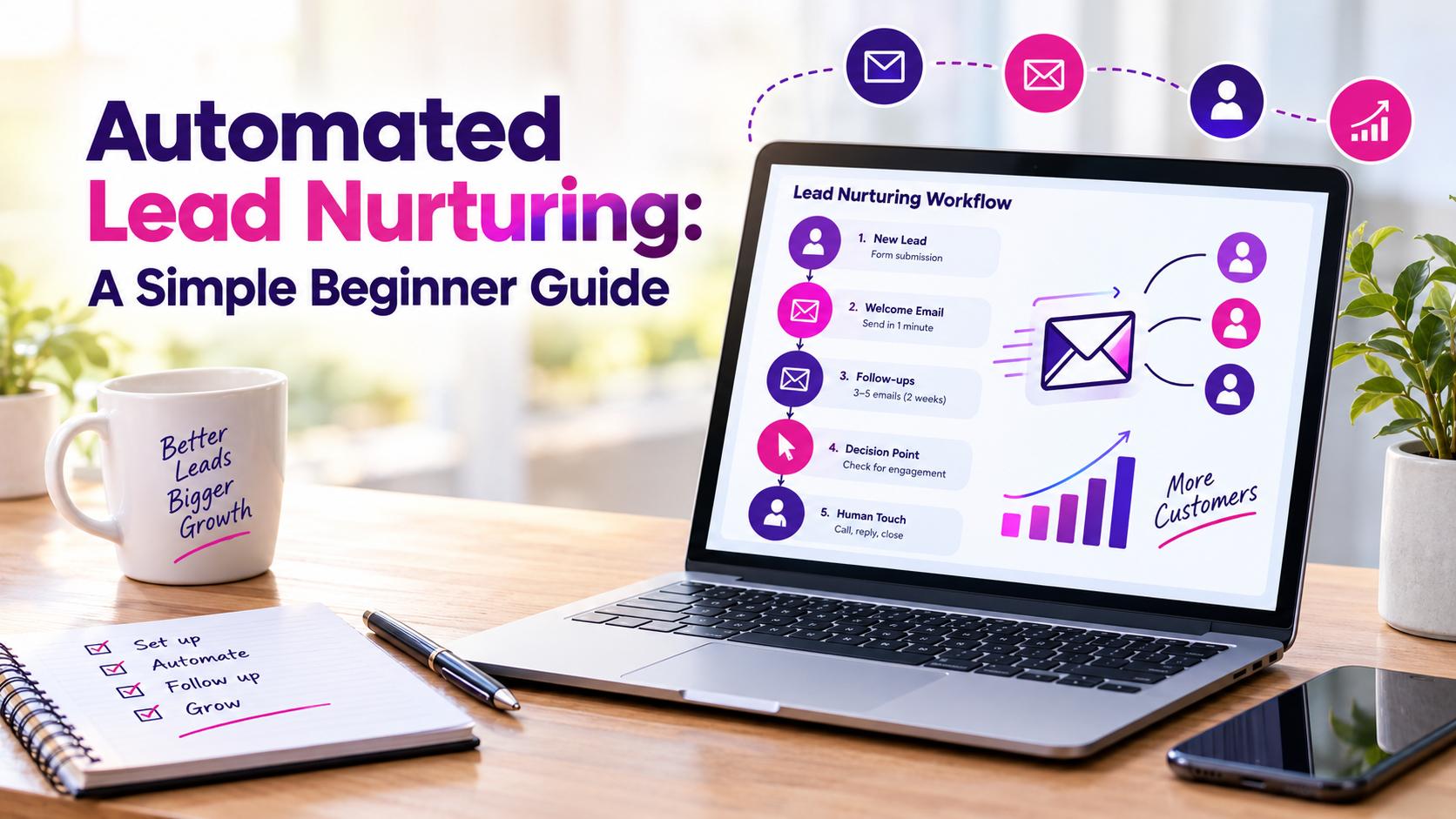
Automated lead nurturing: a simple beginner guide
Picture a plumber in Queens. A customer fills out his website form at 9:40 on a Tuesday night about a leaking water heater. He's under a sink in somebody else's basement and doesn't see it…